What Is a Countdown Calendar (and How Do You Use One)?
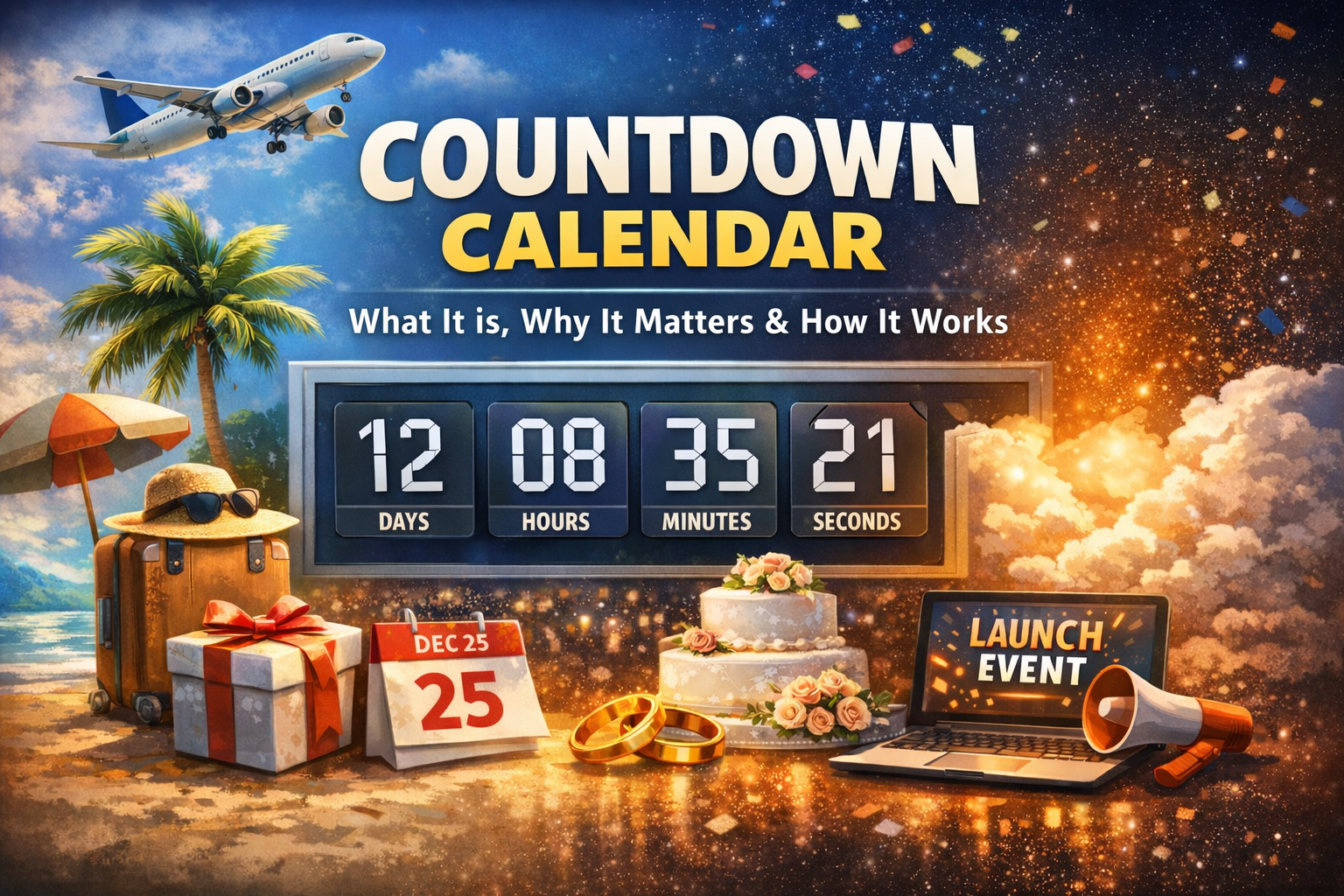
A countdown calendar is a simple tool that shows how much time you have left before a specific date. Instead of just marking a day on a calendar and hoping you remember it, a countdown calendar turns that date into a live timer that ticks down in days, hours, minutes, and sometimes seconds. You set the date and time, give it a name, and let the calendar handle the rest.
It’s different from a basic countdown timer. A timer usually counts down a fixed duration, like 20 minutes for a workout or 45 minutes for a study session. A countdown calendar tracks time until a specific point on the calendar, like Christmas, a product launch, a wedding, or the start of a holiday. You’re not just timing an activity—you’re watching the days slip away until something important happens.
Most online countdown calendars let you set your event title, pick the date and time, and optionally add a short message. Many also let you customize how the page looks, using colors, backgrounds, or themes that match the event. Once you’ve set everything up, you get a link you can share so other people see the same countdown when they open it.
Why use a countdown calendar?
You could write a date in a planner or stick it in your phone, but a countdown calendar does a better job of keeping the event in front of you. When you see “23 days left” every time you open a page or glance at a display, the event feels closer and harder to ignore. That visual reminder pushes you to plan instead of assuming you have more time than you do.
If you’re working with other people, a countdown calendar also keeps everyone aligned. When you send one link to your team, nobody has to count days or worry about time zones. The countdown calendar quietly handles it. People can see exactly how long they have until the launch, the webinar, or the start of a sale. That cuts down on confusion and back-and-forth messages about dates and times.
There’s also a psychological effect. A ticking clock builds anticipation and urgency. For public events, a countdown calendar on a landing page tells visitors that something is coming and that it has a clear start time. For personal events, the same effect makes a holiday, wedding, or trip feel more real as it gets closer. It’s a small thing, but it can be a strong nudge to prepare, book things, or finish tasks on time.
Beyond the emotional side, a countdown calendar makes planning easier. Once you know exactly how many days remain, it’s straightforward to work backwards. You can decide when to send reminder emails, when to publish content, and when key tasks need to be done. Instead of constantly recalculating dates, you use the countdown calendar as your reference point and build your schedule around it.
How to use a countdown calendar
Using a countdown calendar is straightforward, and once you’ve done it once, you can reuse the same flow for any event.
Start by choosing a specific event that matters to you. It should have a real date and, ideally, an exact start time. This could be Christmas, a product launch, a live stream, a trip, a conference, or an exam. The clearer the event, the more useful the countdown will be, because everyone who sees it will understand what they’re looking at.
Next, open your countdown calendar tool and set the date and time. Type in the event title and pick the date on the calendar widget. If the tool lets you choose a time zone, make sure it matches the audience you’re targeting. A launch at midnight in your time zone might be the middle of the workday for someone else, and you want the countdown to reflect the moment the event actually starts for them.
Most tools give you space for a short message as well. Use that to clarify what happens when the countdown hits zero or what people should do before then. You don’t need a long paragraph here. A single sentence like “The sale opens when this countdown ends” or “This marks the start of our Christmas break” gives enough context for anyone who lands on the page.
After that, you can customize how the countdown calendar looks. Some tools stick to a simple background color, while others let you add an image or theme. You might use a festive design for holidays, your brand colors and logo for product launches, or a personal photo for family events. The styling doesn’t make the countdown work better, but it does make the page feel more intentional and shareable.
Once everything looks right, generate the shareable link. The tool will usually update the URL with your event’s settings. You can paste that link into emails, chat apps, internal wikis, or social posts. Anyone with the link will see the same countdown calendar you created, with the same title, date, message, and style. If the tool supports it, you can also embed the countdown on a website or put it in fullscreen on a TV or monitor so the clock is always visible.
From there, your job is mostly done. The countdown calendar will keep ticking down on its own. You can reuse the same system for new events by changing the date, adjusting the message, and sharing a fresh link. Over time, it becomes a simple way to keep important dates visible, coordinate with others, and add a bit of energy around the things you’re working toward.
Frequently Asked Questions
What is a countdown calendar?
How do I create a digital countdown calendar?
What events can I use a countdown calendar for?
Are countdown calendars free?
You Might Also Like


Ready to Start Your Countdown?
Create a beautiful countdown timer for any event in seconds.
Create Your CountdownEnjoy articles like this? Get more in your inbox 📬
Tips, ideas & fun content about countdowns — delivered free, once a week.
No spam. Unsubscribe anytime.